Firmware · November 3, 2026
Nikon ZR firmware 2.00 brings Log3G10 to H.265.
Here is what changes, and how to set the camera for daylight.
Nikon announced the first major ZR update on November 3. RED color science can land in a compact H.265 file, with more control over noise, dials, and LUT monitoring. The firmware is scheduled before the end of the year. The exposure problem in hard sun is already here.
Direct answer: Nikon announced firmware version 2.00 for the ZR on November 3, 2026. The headline is Log3G10 and REDWideGamutRGB in H.265, plus selectable High ISO NR, more assignable dials, focus peaking with a LUT in R3D NE, and 3D LUT output over HDMI. Nikon says the update is scheduled to be available before the end of the year. As of November 11, 2026, the Nikon Download Center still listed C:Ver.1.11. If you want a 180-degree shutter and a usable aperture in daylight, you still need an external ND matched to your Z-mount lens.
What firmware 2.00 actually adds
The Nikon USA press release from November 3, 2026 calls this the first major firmware update since the ZR launched in October 2025. The camera already records R3D NE with RED’s Log3G10 curve and REDWideGamutRGB color space. Version 2.00 extends that look to a much smaller file.
Nikon’s official wording is straightforward: H.265 recording gains Log3G10 and REDWideGamutRGB, so you can grade with RED color science without always wrapping a RAW take. That is the feature most owners will feel first if they deliver H.265 from a documentary, commercial, or run-and-gun day.
The rest of the 2.00 list is about control and monitoring. Official Nikon pages, including the Nikon USA ZR product page and the Nikon UK firmware 2.00 page, specify:
- Four selectable High ISO NR levels (Off, Low, Normal, High) for H.265/Log3G10, H.265/N-Log, and ProRes 422 HQ/N-Log.
- ISO sensitivity, exposure compensation, white balance, and color temperature can be assigned to the command dials.
- 3D LUT / View Assist can be assigned to an Fn button. View Assist can be switched during recording; the 3D LUT itself cannot be switched on or off while you are rolling.
- Focus peaking is available during R3D NE recording even when a 3D LUT is applied.
- A 3D LUT can be sent over HDMI, with important output limits noted below.
- New processing reduces frame-to-frame black-level flicker in dark areas.
When can you actually install it?
Nikon has not published a calendar date. The November 3 announcement and the current USA product page both say firmware 2.00 is scheduled to be available before the end of the year. That is the official window. Anything more specific than that is a guess.
We rechecked the Nikon Download Center ZR page on November 11, 2026. The firmware listed there was still C:Ver.1.11, dated March 17, 2026. If you are booking a job in November or early December, plan as if 1.11 is what you have until the 2.00 file is actually posted and you have installed it.
A practical ZR setup for log and daylight
You do not need 2.00 to start locking in a repeatable exposure. The current official Nikon ZR specifications already give you a cinema-style shutter-angle control and dual base ISO for log work.
Start with shutter angle, not a random shutter speed
Nikon lets you set shutter angle in 15 steps from 5.6° to 360°. For a classic motion-blur look, start at 180°. At 24p that is the familiar 1/48-ish result; at 25p it lands near 1/50; at 30p, near 1/60. The point is to pick the motion you want, then handle brightness with aperture, ISO, and filtration, not by shortening the shutter just because the sun came out.
Use the dual base ISOs Nikon publishes
Nikon lists dual base ISO of 800 and 6400 for both Log3G10 and N-Log. Stay on the lower base when the scene has the light for it. Jump to the high base when the room is actually dark, not because the daylight frame is two stops too bright. If the image is still hot at 180° and a usable aperture on ISO 800, that is an ND problem, not an ISO problem.
After 2.00: High ISO NR and LUT monitoring
Once 2.00 is on the camera, you can choose Off, Low, Normal, or High for High ISO NR in H.265 Log3G10, H.265 N-Log, and ProRes 422 HQ N-Log. Treat that as a look choice, not a default to leave on High for every take. If you want texture, start lower and test a dark frame before the real interview.
Assign 3D LUT / View Assist to an Fn button if you switch between a flat log picture and a viewing LUT. Nikon’s UK firmware notes are specific: View Assist can be toggled while recording, but the 3D LUT itself cannot be switched on or off during a take.
If you feed an external monitor, read the HDMI limits before a client rehearsal. Nikon says applying a 3D LUT to HDMI limits output to FHD. At 60p or 50p the signal can stay 60p or 50p, but the image refresh rate is halved. HDMI disconnection may occur depending on the video settings; Nikon says that does not apply when the LUT is on the rear monitor.
Daylight is still a filter problem
Firmware 2.00 changes codecs, noise reduction, and monitoring. It does not dim the sun. Nikon’s published ZR specifications do not list a built-in ND filter. If you want that 180° shutter and an aperture chosen for depth of field, you need glass in front of the lens when the scene is too bright.
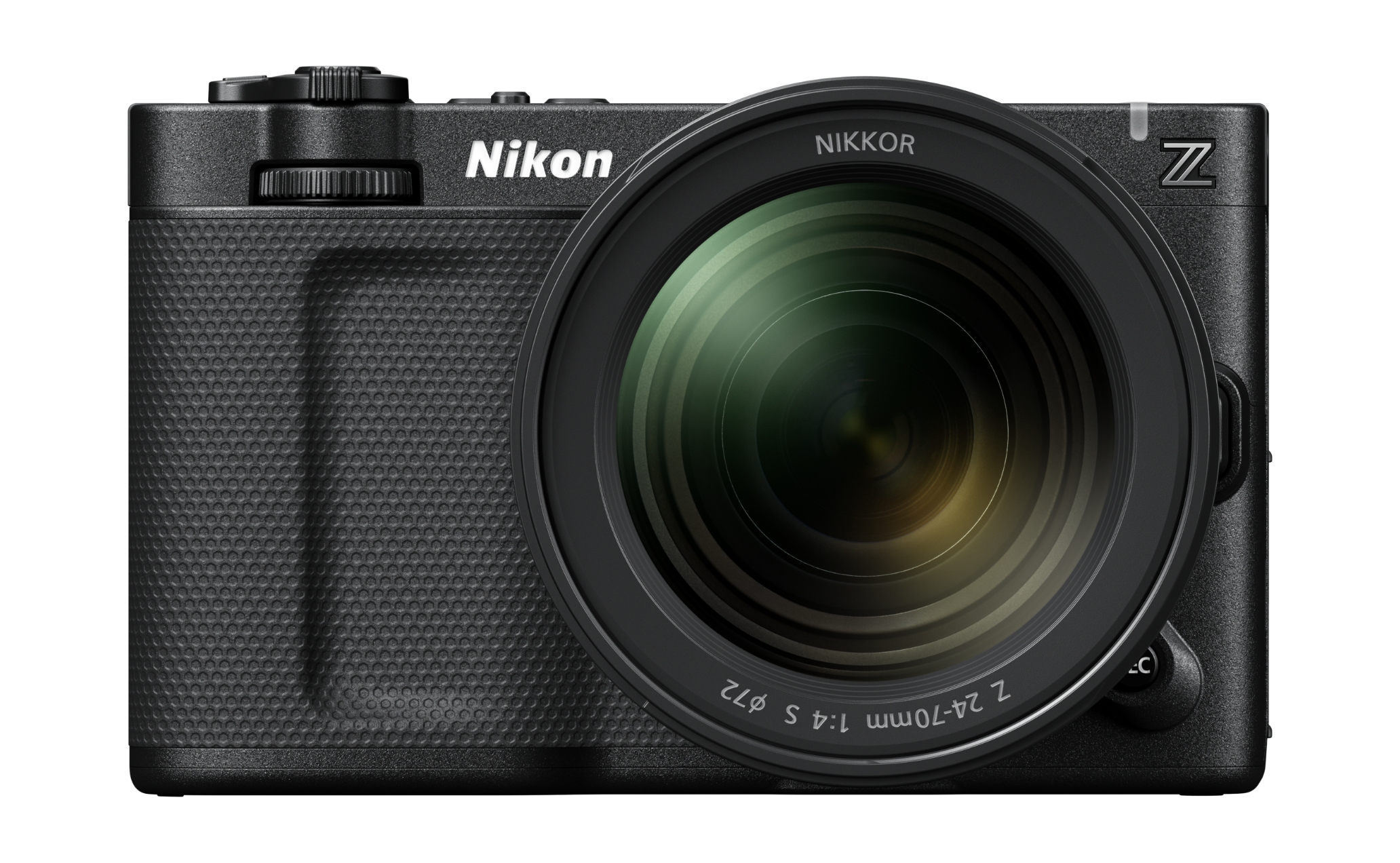
The ZR is body-only in Nikon’s supplied-accessory list, so the filter size is the thread on the lens you mount. Official Nikon product photos of the ZR show the NIKKOR Z 24-70mm f/4 S. Nikon lists that lens at a 72mm screw-in filter size. The NIKKOR Z 24-120mm f/4 S, which Nikon uses in the ZR’s IBIS rating footnote, is 77mm.
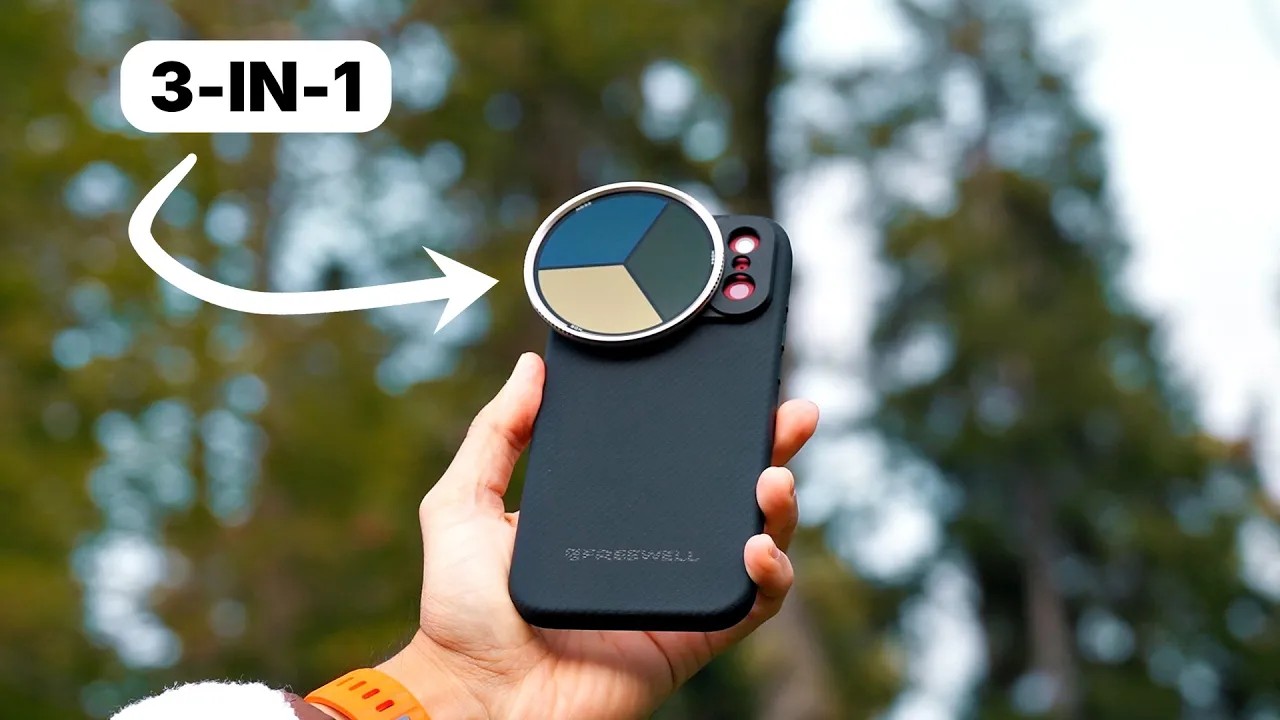
A locking VND with a separate CPL control is the simple kit for this body: set density until 180° and your aperture hold, then trim reflections independently. Match a base ring to the thread on the lens. Freewell’s Real Locking system covers 49mm through 82mm. The All Day Kit includes an 82mm ring; other sizes are sold separately, which matters if you are on the 72mm 24-70mm f/4 S from the official photos.
If you already shoot N-Log on Nikon’s hybrid bodies, the same exposure logic applies. Our Nikon Z5IIC video settings guide walks through shutter, N-Log, and when ND actually helps on that camera. For longer Z-mount glass, we also covered the NIKKOR Z 120-300mm f/2.8 TC VR S.
Filters that solve the daylight brief
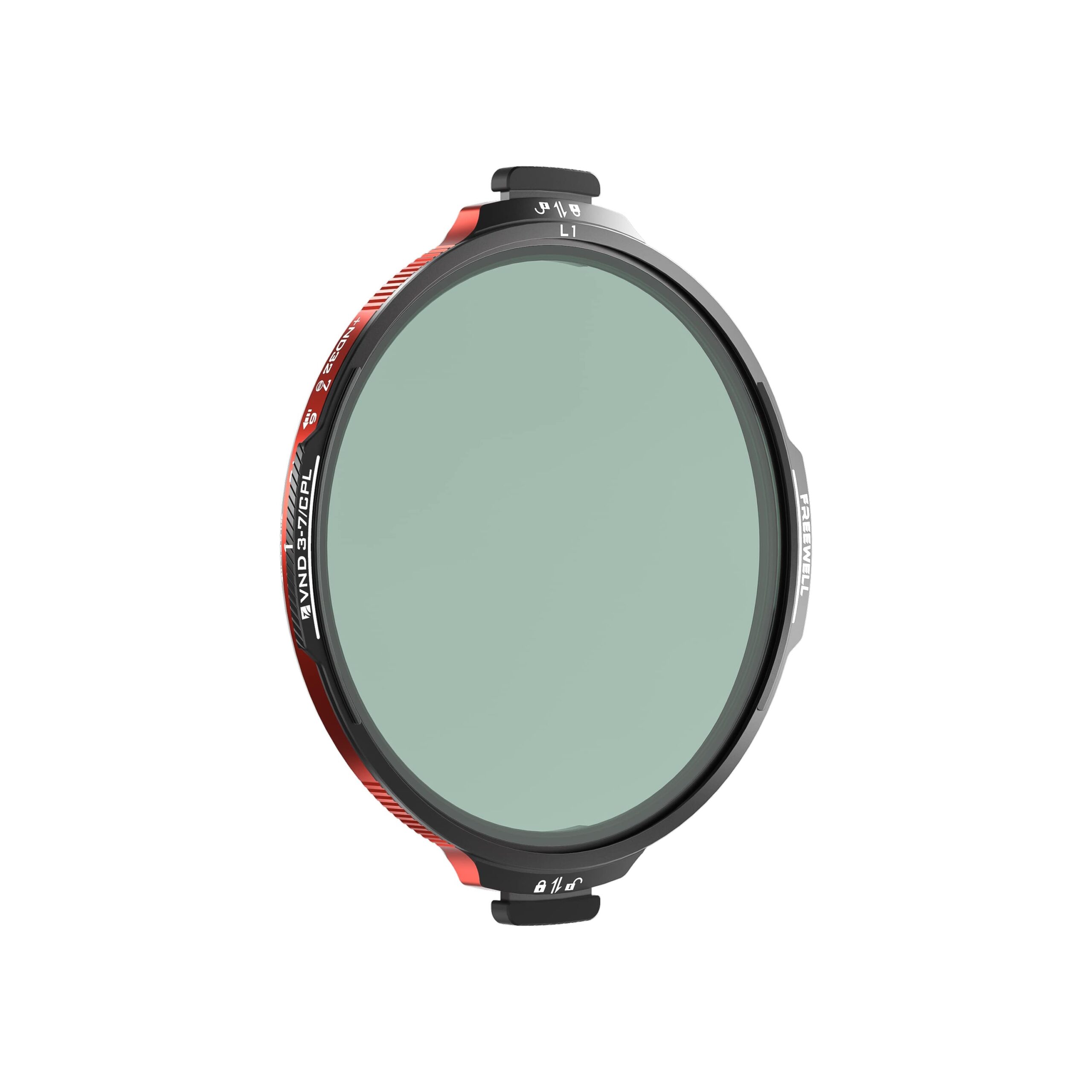
FOR 180-DEGREE SHUTTER
Real Locking VND/CPL
3-7 stops of variable ND plus an independent CPL, with a two-tab lock. Choose a base ring that matches your lens thread (49-82mm).
VIEW REAL LOCKING VND/CPL ↗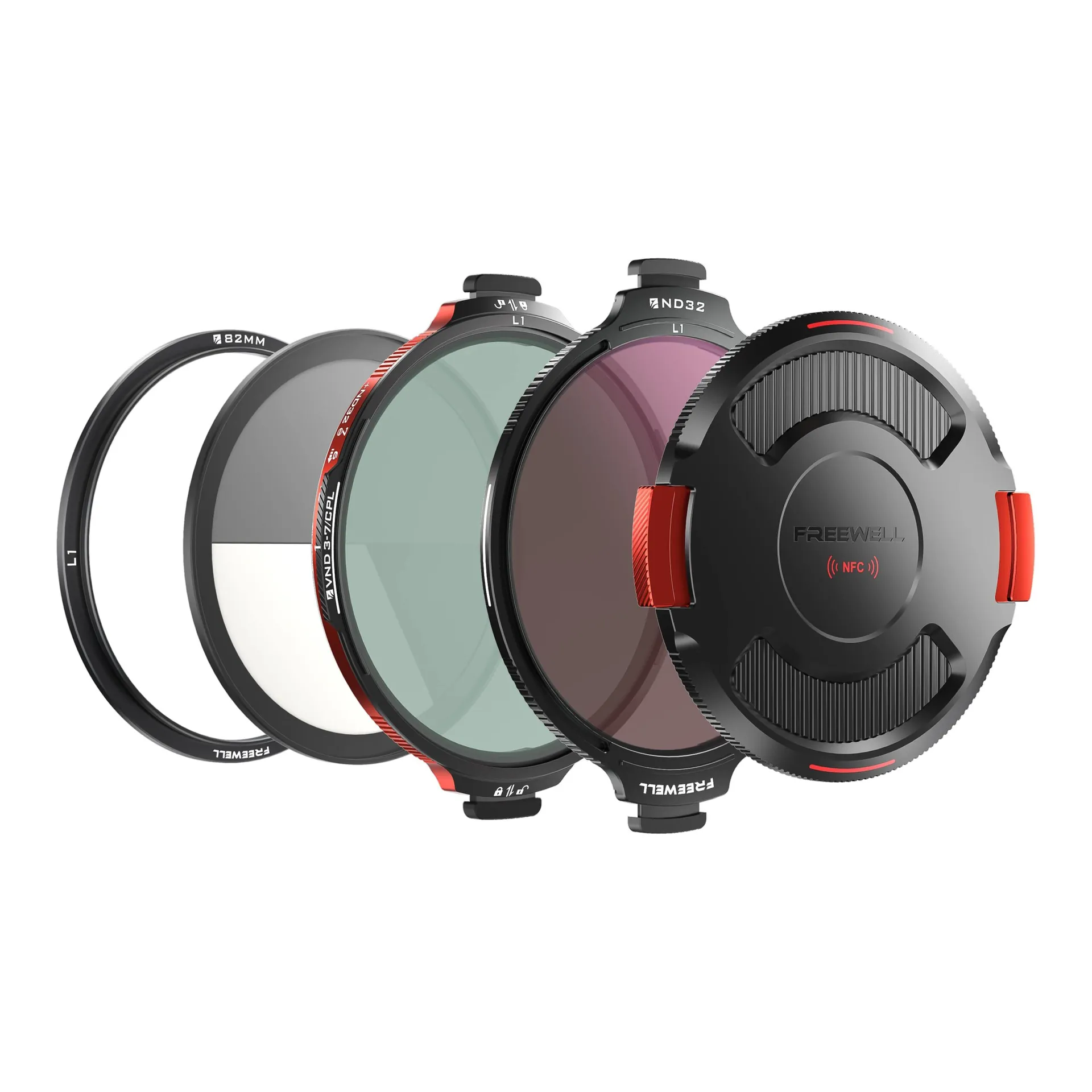
FOR HARSH DAYLIGHT
Real Locking All Day Kit
VND/CPL plus an ND32 for stronger sun, with an 82mm base ring included. Add a 72mm or 77mm ring if that is the thread on your lens.
VIEW ALL DAY KIT ↗Bottom line: Firmware 2.00 is a real workflow upgrade once it is actually posted: Log3G10 in H.265, finer ISO NR, and better LUT monitoring. Nikon has not given a day, only “before the end of the year,” and the Download Center was still on 1.11 as of November 11. Set shutter angle and base ISO now, and keep an external ND in the bag for daylight.
Frequently asked questions