Camera guide · Nikon Z5IIC
Shoot cleaner video on the Nikon Z5IIC
Frame rates, N-Log, kit lens limits, and the daylight exposure traps that quietly ruin “cinematic” footage on Nikon’s casual full-frame.
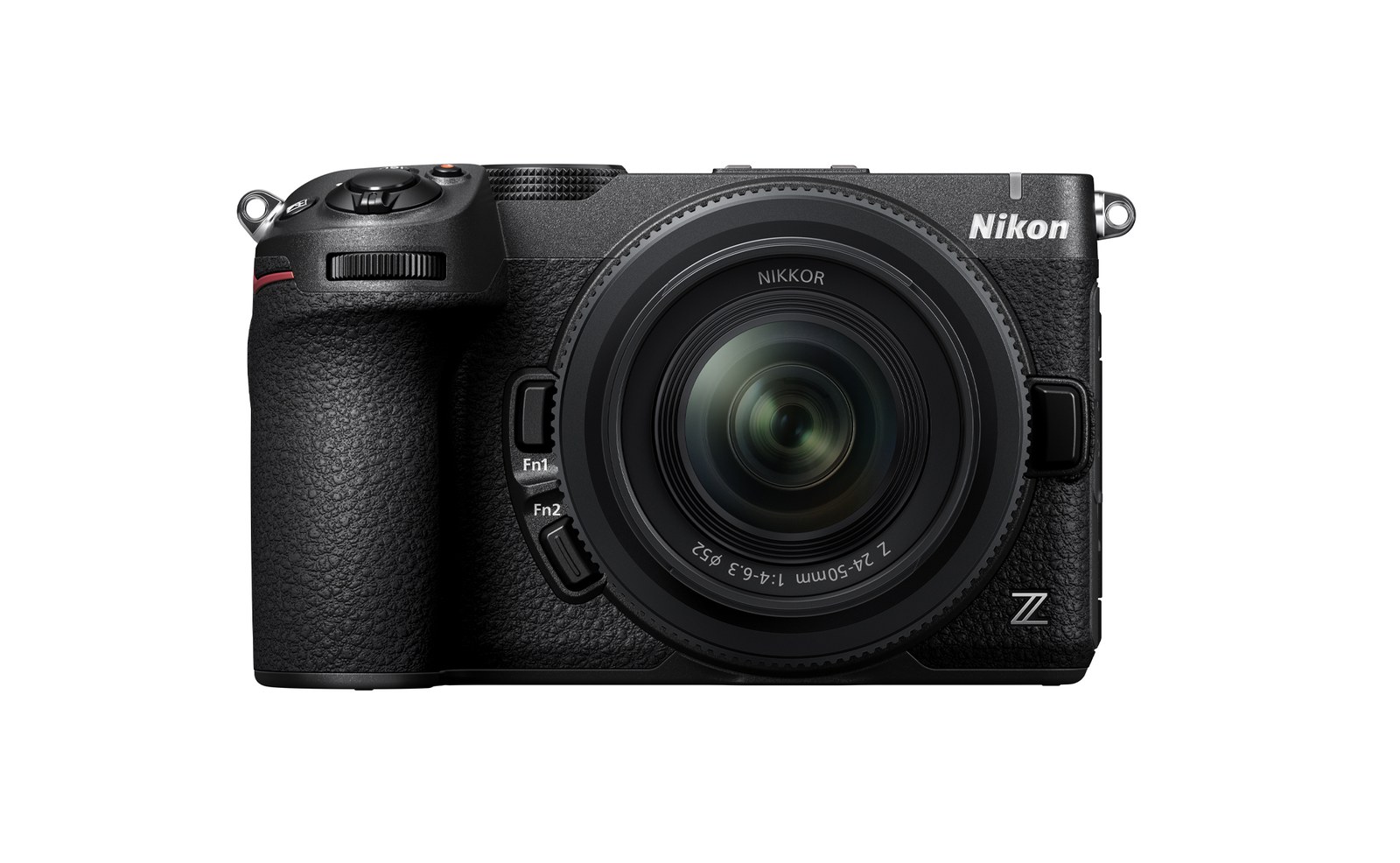
Nikon calls it the Z5IIC (stylized without spaces). Same 24.5MP full-frame sensor and EXPEED 7 core as the Z5II, packaged as a flatter, screen-first body aimed at people stepping up from a phone. The “C” is for casual, not cinema. That still leaves a capable video camera if you set it with intent.
This guide is about how to use it: shutter for natural motion, when N-Log or HLG is worth the grading time, what the kit zoom can and cannot do, and why bright sun fights a fixed shutter long before filters become a shopping list.
Direct answer: For cleaner Nikon Z5IIC video, lock a cinematic shutter first (about 1/50 at 24p), then pick Standard or an Imaging Recipe for fast edits, or N-Log when you will grade. Expect a DX crop at 4K/60p. The 24-50mm kit lens is slow in daylight, so use ND when you cannot hold shutter and aperture without blowing highlights.

What is the Nikon Z5IIC built for?
Think of the Z5IIC as the approachable sibling of the Z5II. Scene Modes land on a full-frame Nikon for the first time. Imaging Recipes sit behind a dedicated button. AUTO will pick AF, aperture, shutter, and ISO for you. None of that blocks deeper video menus once you want them.
For creators, the useful video toolkit is still here: up to 4K UHD/60p (with a DX crop at 60p), Full HD to 120p, slow-motion options, waveform display, red REC frame, tally lamp, Product Review Mode, UVC/UAC webcam use, and in-camera N-RAW plus N-Log / HLG. Five-axis IBIS claims up to 7.5 stops of correction (CIPA, with a supported lens). Body weight sits around 620 g with battery and card.
US pricing from Nikon’s September 24, 2026 announcement: about $1,399.95 body-only, or $1,699.95 with the NIKKOR Z 24-50mm f/4-6.3. Soft bundles with the 26mm f/2.8 pancake and 40mm f/2 show up through retailers. Black and silver finishes.
What is a simple cinematic motion baseline on the Z5IIC?
Before log profiles, lock three decisions. Most “this looks like a phone” footage fails here, not in color grading.
Why shutter first: If the camera shortens shutter to protect exposure in sun, motion turns crisp and harsh. That is the opposite of the soft film cadence most people mean by cinematic. Fix shutter, then solve light with aperture, ND, or shade.

Should you shoot Standard, Film Grain, HLG, or N-Log?
The Z5IIC gives you several video “look” paths. Pick based on how much post you will actually do.
Finish in-camera
Standard / Recipes / Film Grain
- Best for
- Same-day edits
- Bit depth
- Often 8-bit H.264/H.265
- Grade room
- Limited
- Risk
- Baked-in look
Use whenYou want Imaging Recipes or Film Grain and a short timeline, not a DaVinci session.
Grade later
HLG or N-Log (+ N-RAW)
- Best for
- Client color work
- Bit depth
- 10-bit H.265 / 12-bit RAW
- Grade room
- Wide
- Risk
- Flat preview, more time
Use whenYou will apply a LUT or grade. Nikon and RED LUT workflows exist for N-Log on Z5-class bodies.
Practical picks
- Social / travel day: Standard or an Imaging Recipe, H.265 8- or 10-bit if available in your mode, exposure locked with waveform.
- HDR delivery or quick punchy grade: HLG. Preview looks closer to a finished HDR image than flat log.
- Full grade control: N-Log in 10-bit H.265 (MOV), or N-RAW (12-bit NEV) when card speed and storage allow. Expose carefully; underexposed log looks muddy fast.
- Film Grain: Fun for photos and some video, but Nikon notes limits during video. Test before a paid shoot.

Product Review Mode is worth a mention if you film unboxings or desk demos: bring an object close and AF prioritizes it. Pair that with the vari-angle screen for front-facing framing.
Does 4K/60p on the Z5IIC crop the full frame?
At 4K/60p, Nikon crops to DX (APS-C). Your 24-50mm kit zoom behaves more like a ~36-75mm field of view. Plan framing accordingly. Full-width 4K is available at 30p/25p/24p, which is often the better choice for interviews and narrative work on this body.
N-RAW records at slightly different pixel dimensions than UHD (FX around 4032×2268). Budget V90 SD cards for sustained rates. Dual-format proxy recording exists for RAW workflows when you want lighter scrubbing files.
How limiting is the NIKKOR Z 24-50mm f/4-6.3 kit lens?
The kit zoom is compact, retractable, and light (~195 g). Filter thread is 52mm. Minimum focus is about 0.35 m. It is a travel-friendly optic, not a low-light portrait machine.
- Aperture: f/4 at 24mm, only f/6.3 by 50mm. Background separation is modest. In dim rooms you will lean on ISO and IBIS more than bokeh.
- Look: Fine for daylight walk-and-talks, interiors with decent windows, and B-roll. Weak for night streets without noise or for creamy subject isolation.
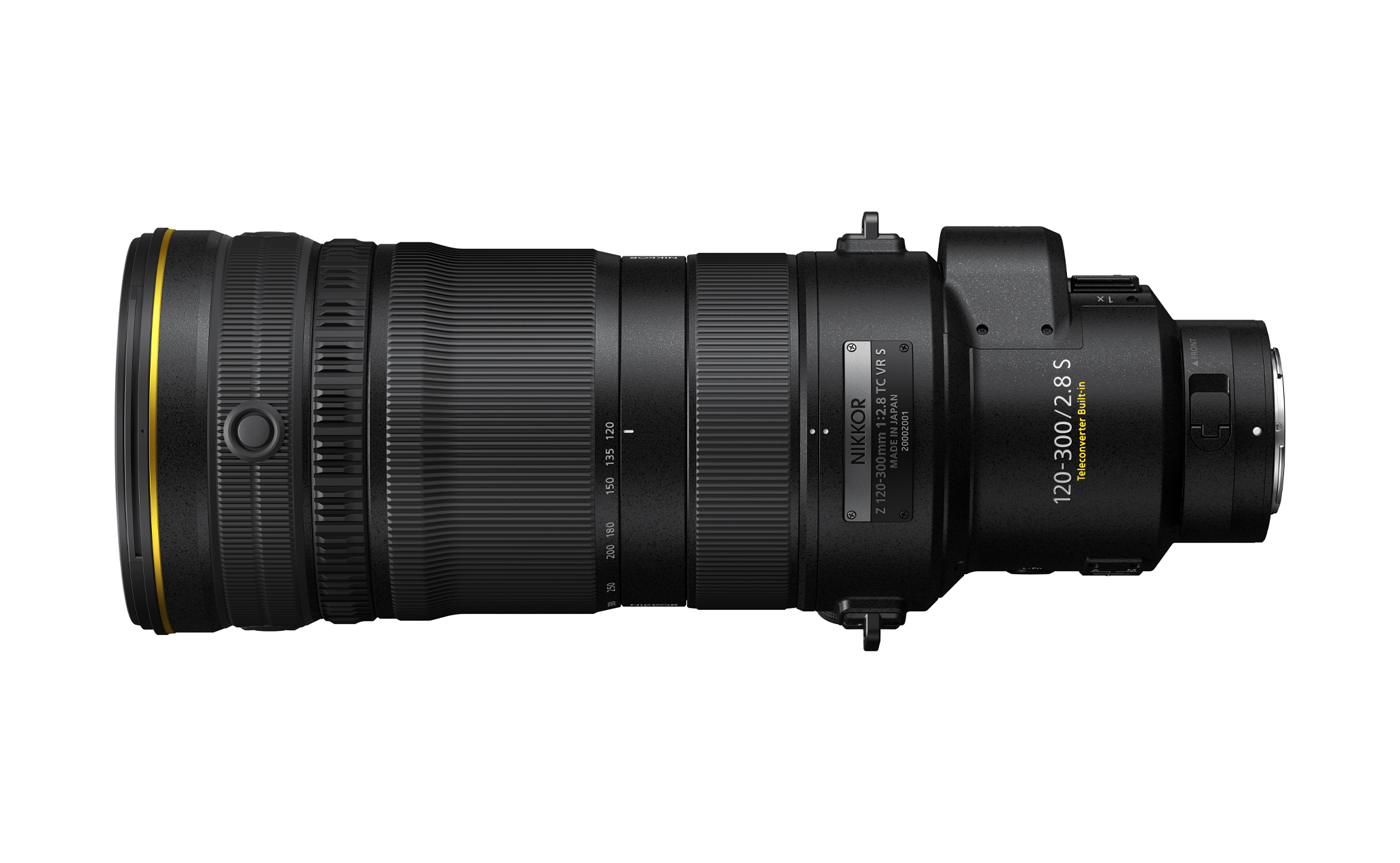
- Soft-bundle primes: NIKKOR Z 26mm f/2.8 and 40mm f/2 both take 52mm filters and open much wider for available light and shallow depth of field.
- Next upgrades people actually use: 50mm f/1.8 S (62mm), 35mm f/1.8 S (62mm), or a faster standard zoom once budget allows.


When does daylight break a fixed cinematic shutter?
Once shutter sits at 1/50 or 1/60 and you want a moderately open aperture for sharpness or depth, midday sun will overexpose. Phone shooters hit the same wall, which is why our iPhone 18 Pro variable aperture guide still ends on ND. The Z5IIC will try to save the frame by raising shutter speed or clamping highlights. Motion suffers first.
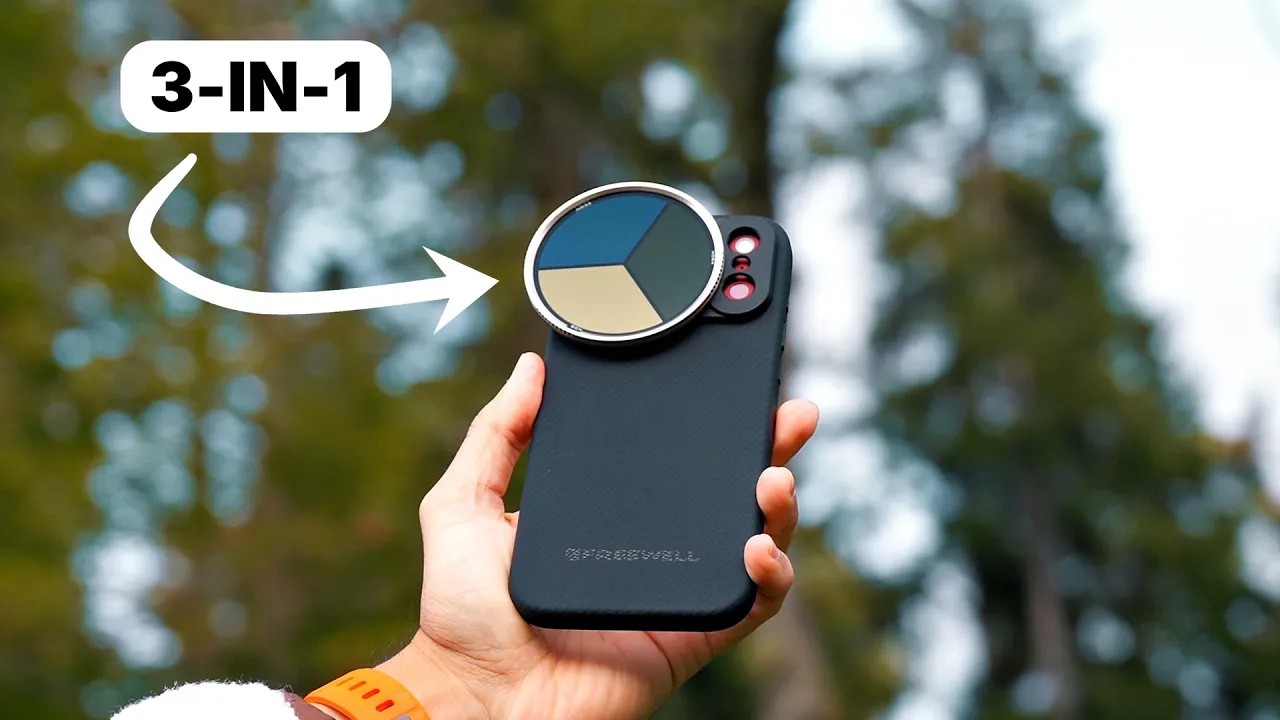
That is the real job of a variable ND: hold the shutter and aperture you chose while the sun climbs. A circular polarizer on the same stack helps when water, glass, or sky glare steal contrast. You do not need a filter to “make it cinematic.” You need one when physics disagrees with your shutter. For ND theory beyond this camera, see ND Filters for Camera: Everything You Need to Know.
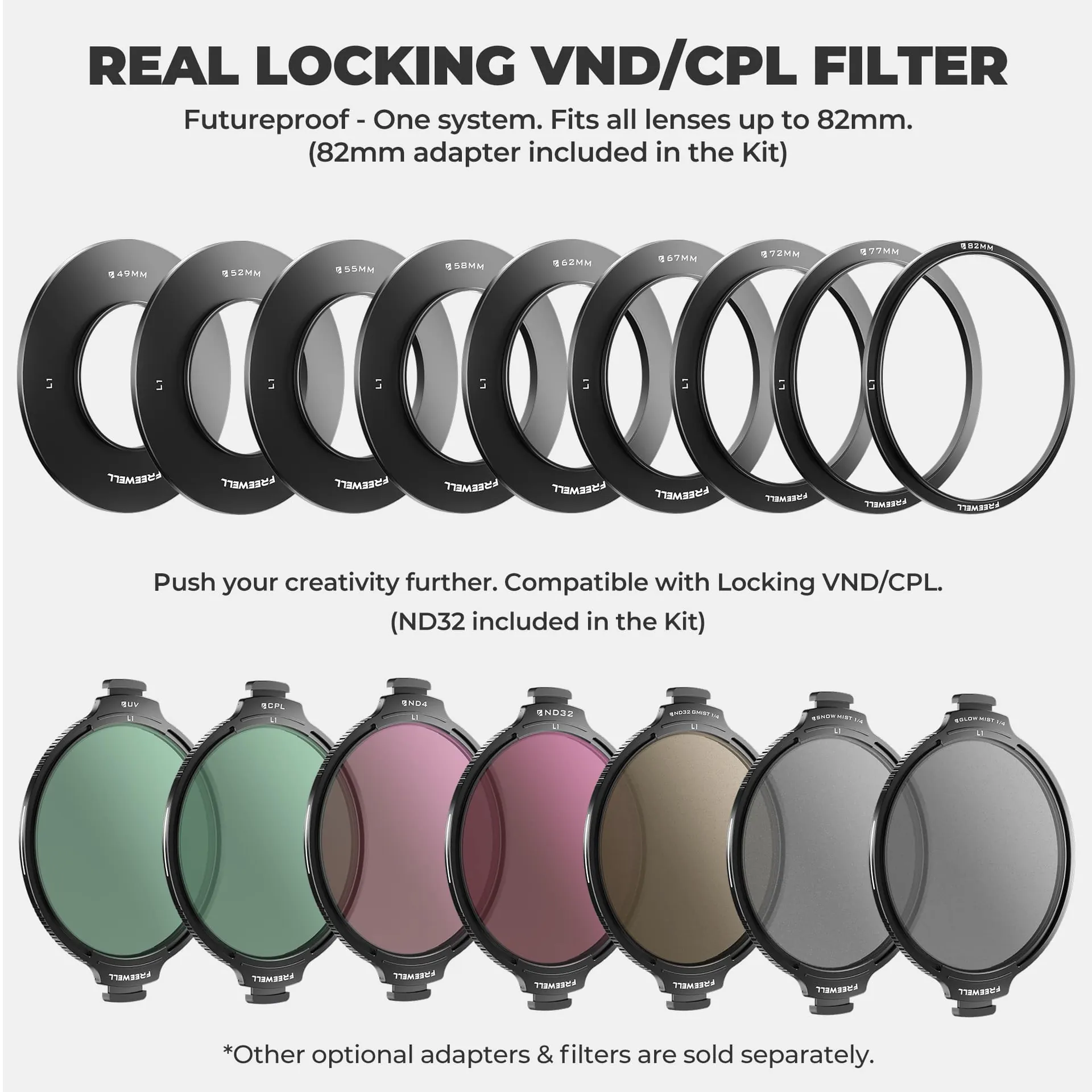
If you already own (or later add) a stackable system like Freewell’s Real Locking VND/CPL All Day Kit, match a 52mm base ring to the kit zoom and soft-bundle primes, then keep one larger ring for future 77/82mm glass. The All Day Kit’s VND covers about 3-7 stops; the included ND32 extends into harsher light. Current FreewellGear.com price for the All Day Kit is $249.99 (listed from $299.99). The Mega Kit at $349.99 adds mist layers if you want a softer highlight bloom later. None of that replaces good white balance and exposure discipline.
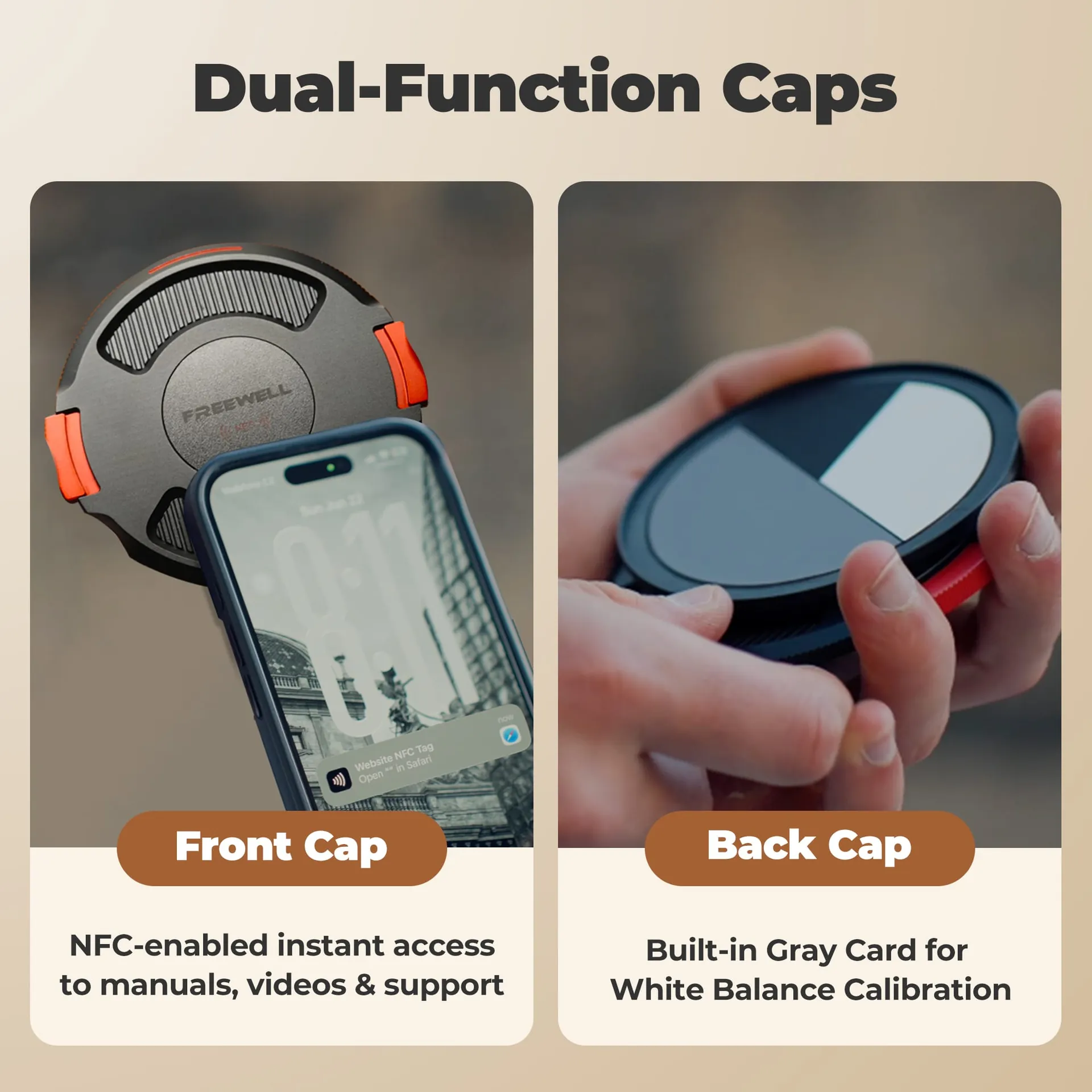
Field tip: set white balance manually (the Real Locking rear cap includes a gray reference if you use that kit). Lock exposure after a waveform check. Then walk the scene without chasing Auto ISO every time a cloud moves.
How should you shoot the Z5IIC in low light?
Full-frame and EXPEED 7 help, but the kit zoom’s f/6.3 tele end will push ISO up fast indoors. Prefer:
- Move subjects toward windows or practical lamps before raising ISO.
- Open the soft-bundle 40mm f/2 or a faster prime instead of cranking noise reduction in post.
- Stay at 24p or 30p; 60p needs more light for the same shutter rule.
- Use IBIS, but still brace or use a small tripod for talking-head stability.
- In N-Log, protect midtones. Lifting a dark log file adds grain you cannot fully erase.

What Z5IIC video settings should you save as a one-page setup?
Daylight narrative
24p starter
- Frame size
- 4K FX (not 60p crop)
- Shutter
- ~1/50
- Aperture
- f/4-f/5.6 on kit
- ISO
- Base / lowest clean
- Tone
- Standard or N-Log
- Tools
- Waveform on
If overexposedAdd ND or stop down before shortening shutter.
Action / social
60p starter
- Frame size
- 4K DX crop
- Shutter
- ~1/120
- Aperture
- As needed
- ISO
- Watch noise
- Tone
- HLG or Standard
- Tools
- AF subject detect
RememberReframe for the crop. Kit 24mm becomes tighter.
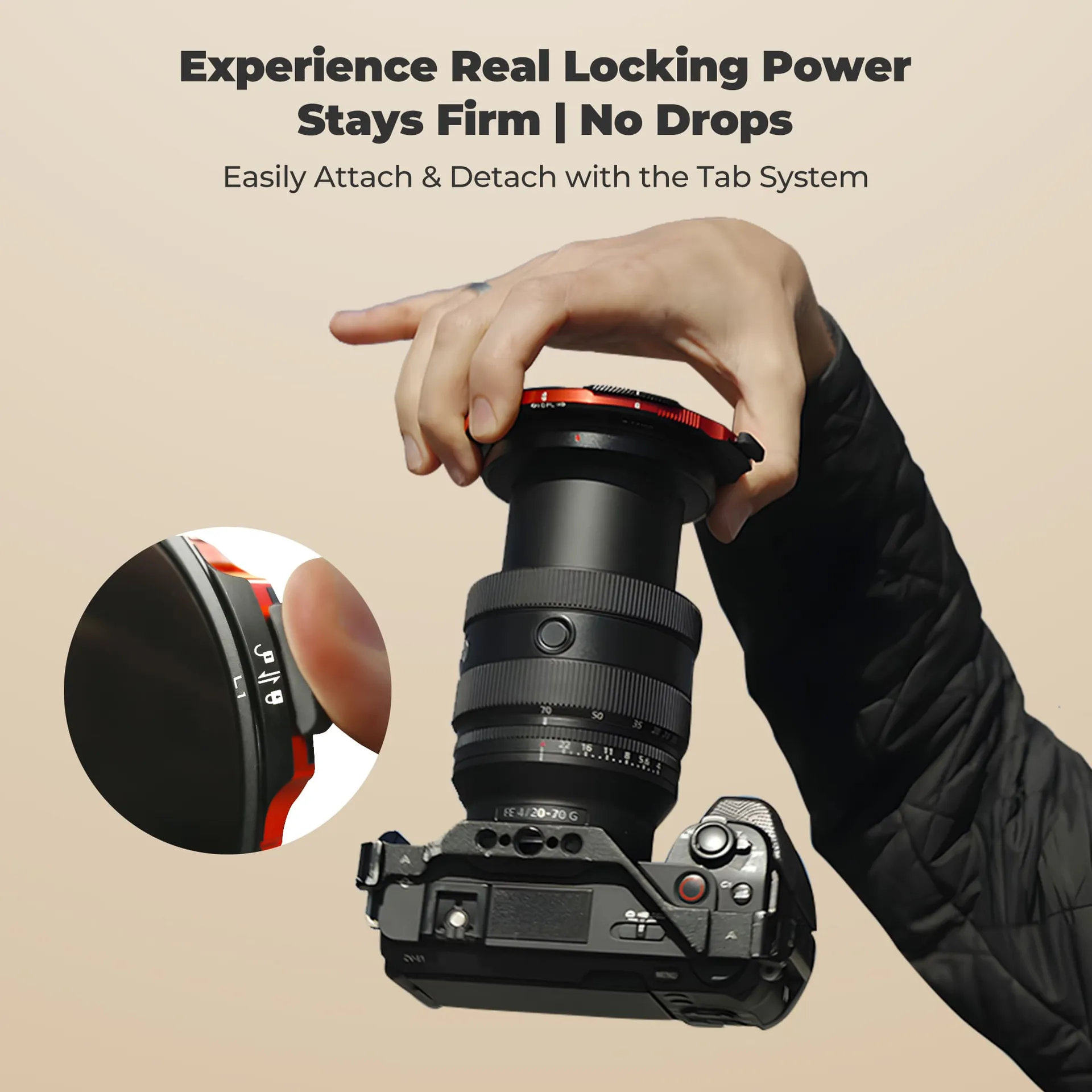
When you want a visual walkthrough of how a locking VND/CPL behaves on a bright day (density dial plus independent polarization), this review of Freewell’s Real Locking set is a clear demo:
Watch on YouTube: Freewell The Real Locking VND / CPL Filter Set (Kyle Watts)
What gear helps when daylight is the bottleneck?
Skip this section if you shoot mostly indoors or already own solid ND glass. If midday exteriors are the pain point on the Z5IIC kit, these are the full kits that match the problem without buying loose adaptor rings alone.

Daylight control
Real Locking VND/CPL All Day Kit
3-7 stop VND + CPL · ND32 · 82mm ring in box · add 52mm ring for kit lens
$249.99
VIEW KIT →
Daylight + mist
Real Locking VND/CPL Mega Kit
All Day Kit plus Black Glow Mist 1/4 and White Snow Mist 1/4
$349.99
VIEW MEGA KIT →
Lens match
52mm ring for Z5IIC kit glass
24-50, 26mm f/2.8, and 40mm f/2 all use 52mm threads
Match ring size
SEE SYSTEM →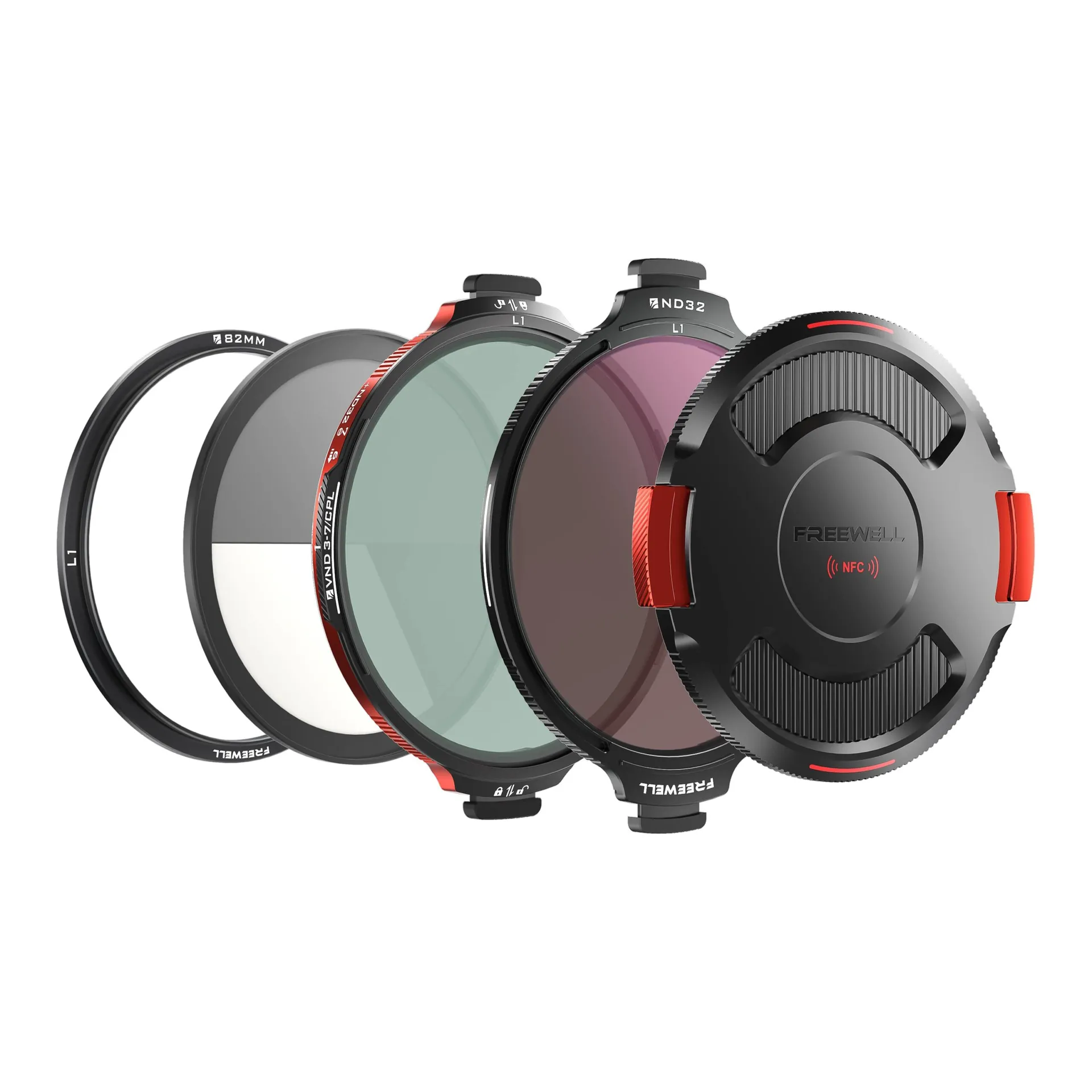
Final thoughts
The Z5IIC is an easy full-frame entry with serious video options underneath Scene Modes and Recipes. Treat it like a camera, not a phone with a bigger sensor: choose a frame rate, park the shutter near 180°, expose with the waveform, and be honest about the kit zoom’s slow aperture.
Use N-Log or N-RAW when you will grade. Stay in Standard, HLG, or Recipes when you will not. Reach for ND only after shutter and aperture are intentional. That order matters more than any single accessory.
Settings first. Glass second.
Make the Z5IIC look expensive by exposing on purpose.
Lock shutter and tone mode before you shop for anything. Filters only earn a place when daylight breaks that plan.
VIEW REAL LOCKING KIT →